SUPPORT
SUPPORT
We're Here.
We're Here.
Calm, direct help for every Infant Optics product. No endless menus — just what you need.
Calm, direct help for every Infant Optics product. No endless menus — just what you need.
Phone support Mon–Sun 9AM–5PM PST
Phone support Mon–Sun 9AM–5PM PST
Email response within 24 hours
Email response within 24 hours
CALL: 1-800-291-0195
CALL: 1-800-291-0195
TROUBLESHOOT BY PRODUCT
Which product do you have?
TROUBLESHOOT BY PRODUCT
Which product do you have?

DXR-8 PRO SS Full Kit
DXR-8 PRO SS
Common Issues:
Common Issues:
Select the problem you're encountering:
Select the problem you're encountering:
Manuals:
Manuals:
Click the link to download.
Click the link to download.
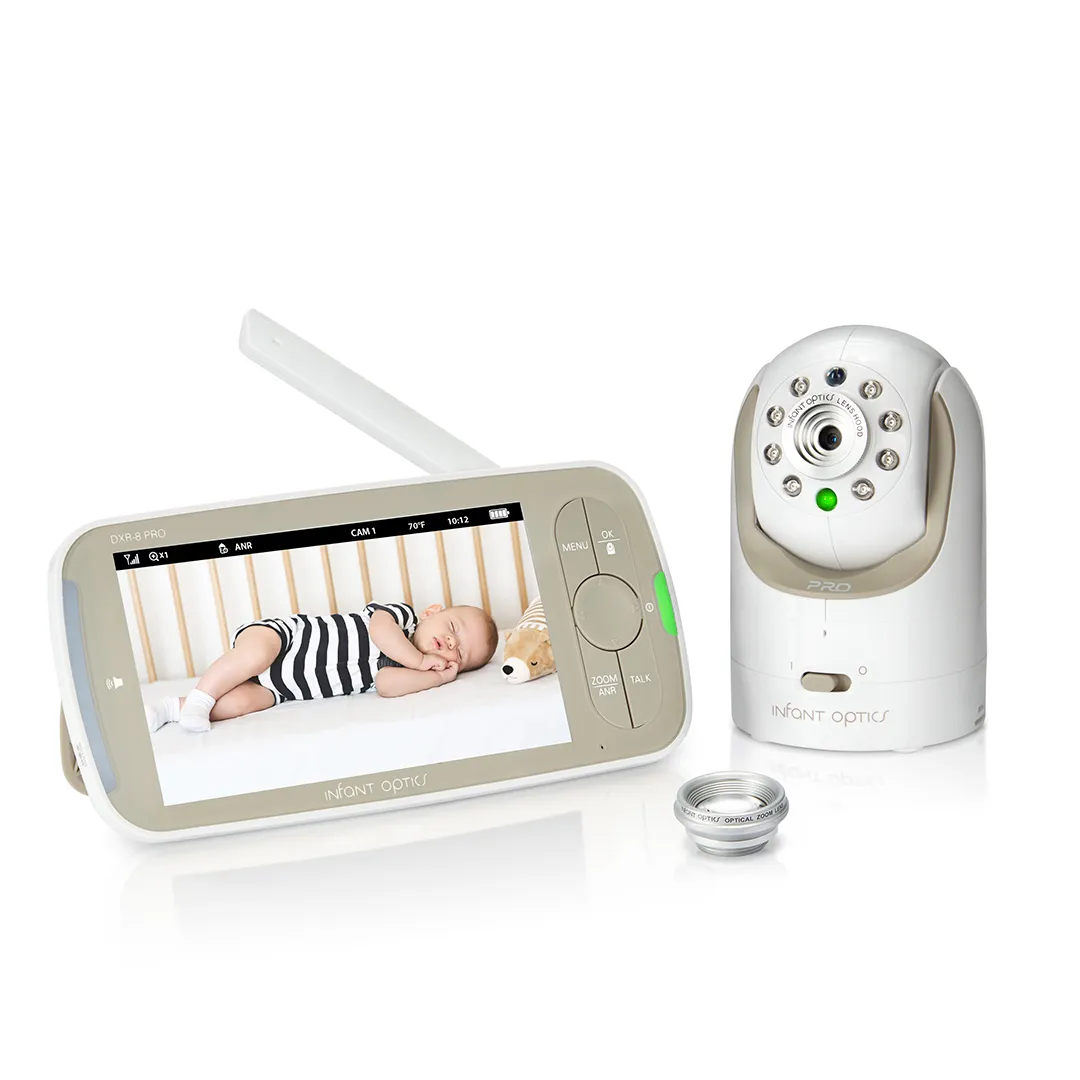
DXR-8 PRO Full Kit
DXR-8 PRO
Common Issues:
Common Issues:
Select the problem you're encountering:
Select the problem you're encountering:
Manuals:
Manuals:
Click the link to download.
Click the link to download.

DXR-8 Full Kit
DXR-8
Common Issues:
Common Issues:
Select the problem you're encountering:
Select the problem you're encountering:
Manuals:
Manuals:
Click the link to download.
Click the link to download.

DXR-6 and Earlier
Common Issues:
Common Issues:
Select the problem you're encountering:
Select the problem you're encountering:
Manuals:
Manuals:
Click the link to download.
Click the link to download.
CONNECTION & SIGNAL
CONNECTION & SIGNAL
Signal range and troubleshooting
Signal range and troubleshooting
Camera unit loses link with the monitor unit
Camera unit loses link with the monitor unit
Picture playback is not smooth (choppy video, low frame rate)
Picture playback is not smooth (choppy video, low frame rate)
WiFi network interference
WiFi network interference
Noise interference on the monitor
Noise interference on the monitor
Picture is black and white
Picture is black and white
SETUP GUIDANCE
SETUP GUIDANCE
Getting started with your monitor
Getting started with your monitor
Unboxing and power
Unboxing and power
Camera placement
Camera placement
Power on
Power on
Product does not switch on
Product does not switch on
Battery will not charge / no charge light
Battery will not charge / no charge light
CAMERA PAIRNG & SPLIT SCREEN
CAMERA PAIRNG & SPLIT SCREEN
Adding cameras and setting up split-screen
Adding cameras and setting up split-screen
Pairing an additional camera
Pairing an additional camera
Split-screen setup
Split-screen setup
No picture from a camera unit
No picture from a camera unit
How to switch between single screen and split screen
COMPATIBILITY WITH ACCESSORIES
COMPATIBILITY WITH ACCESSORIES
What works with your monitor
What works with your monitor
Lens compatibility
Lens compatibility
Camera and monitor cross-compatibility
Camera and monitor cross-compatibility
Accessories
Accessories
CONTACT US
CONTACT US
Get in touch